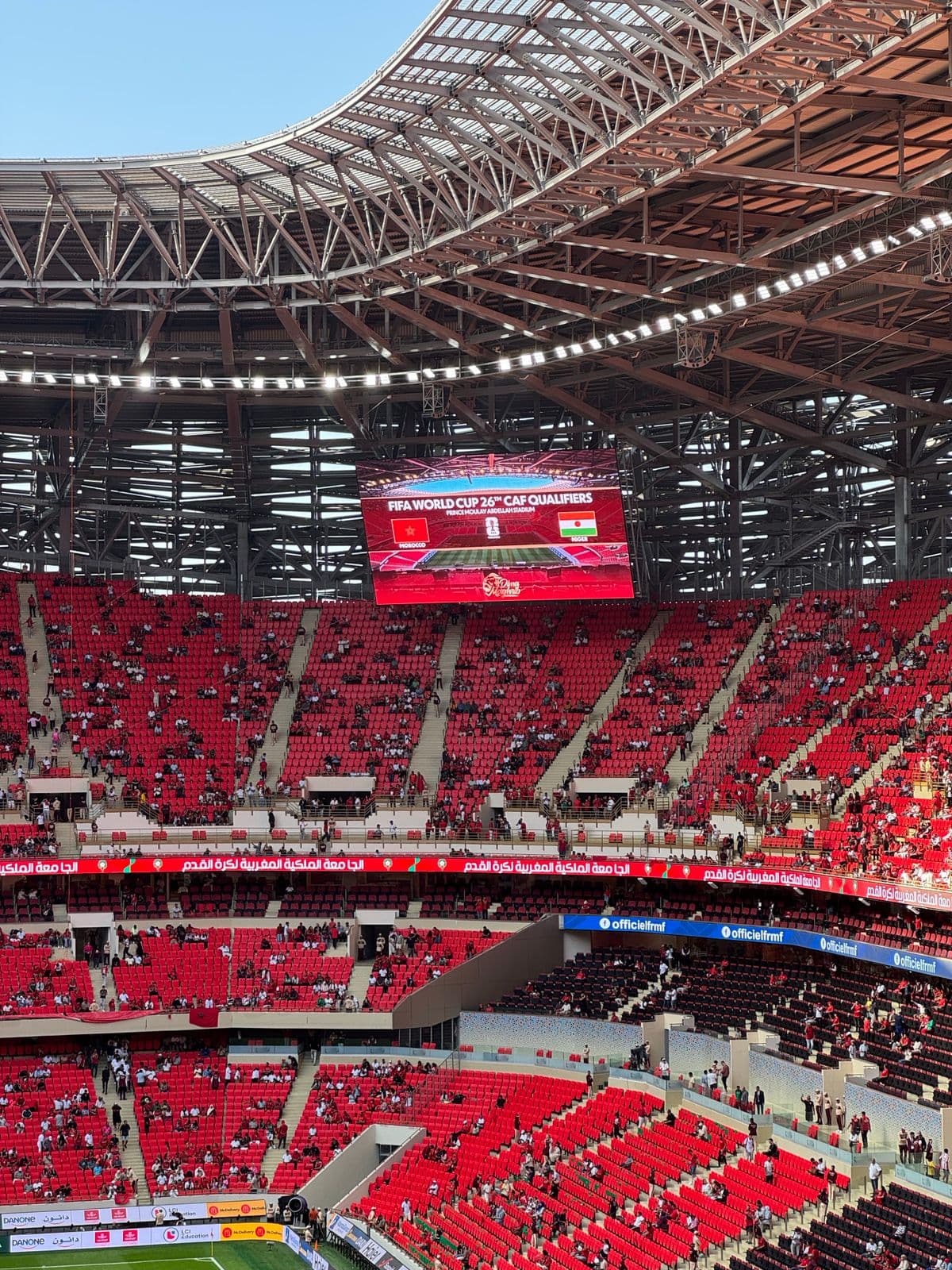
The 2026 FIFA World Cup is the largest edition in the tournament's history — 48 teams, 16 host cities across the United States, Canada, and Mexico, and crowds that turn an ordinary sports bar into a 300-person fire hazard for 90 minutes at a time. For bars, restaurants, and fan zones near host stadiums, match days are the highest-revenue, highest-chaos hours of the year. Static, printed menus and signage cannot keep up.
This guide covers how venues are using dynamic QR codes to survive the rush — real-time menu swaps, auto-expiring specials, overflow redirects, fan-zone wayfinding — plus the match-day analytics playbook and a setup checklist a bar manager can execute in an afternoon between fixtures.
Key takeaways
- Match-day conditions change by the half — only a dynamic QR code lets printed table cards keep up without reprints.
- Expiry dates automate time-boxed specials: happy-hour pricing that dies at kickoff, automatically.
- Per-table or per-section codes turn every fixture into a staffing and inventory dataset for the next one.
- Fan zones need daily-changing schedules and wayfinding — a poster printed in June is wrong by July unless the code behind it is dynamic.
- Scan-volume comparison across fixtures is evidence-based staffing for the knockout rounds.
Nothing here requires new hardware or staff training — the whole system is printed table cards plus a dashboard on the manager's phone, deployable between today's fixture and tomorrow's.
Why do static menus break down during World Cup crowds?
Because a normal Tuesday dinner service and a World Cup quarter-final have almost nothing in common. Kitchens run out of menu items mid-match. Drink specials change by the half. Wait times spike so hard that venues need a way to redirect walk-ins to a secondary queue or a sister location down the street — instantly, not by reprinting a stack of table tents between matches.
A dynamic QR code solves this because the printed code never changes — only the destination behind it does. A venue can point the same table-card QR code at three different destinations and never reprint anything. Before kickoff, it's the lunch menu. During the match, it's a “kitchen limited menu — high demand” page. After the crowd clears, it's the late-night menu. The swap takes seconds from a phone behind the bar — no staff on the floor collecting cards mid-rush.
Match-day specials that expire automatically
One of the sharpest use cases is time-boxed promotions. A bar wants to offer a discounted pitcher during the match but doesn't want the QR code still honoring that price the next morning. With QR code expiry dates, you schedule the promotional destination to stop working at a specific time — say, the moment a match's final whistle is expected — and the code automatically falls back to the regular menu. No one has to remember to swap anything mid-shift.
- Pre-match happy hour — QR code shows discounted drink menu, expires at kickoff
- Half-time flash special — a fresh QR-linked page activated only during the interval window
- Match-day merch or raffle entry — expires when the match ends, preventing post-game misuse
- Overflow queue redirect — a QR code at the door pointing walk-ins to a sister venue's wait list when at capacity
The automation is the point. During a match rush nobody has spare attention for "remember to change the menu link at 6pm" — scheduled expiry with a fallback URL removes an entire class of mid-shift mistakes. The pricing never accidentally survives past the final whistle, and every post-expiry scan still lands on the regular menu instead of a dead page.
A match-day timeline for one table card
One printed QR code, one match day, five destinations — zero reprints:
| Time | Destination behind the same printed code |
|---|---|
| 11:00 — doors open | Regular lunch menu |
| 14:00 — pre-match | Happy-hour menu (expiry set for kickoff) |
| 16:00 — kickoff | Match-day limited menu (kitchen under load) |
| 16:45 — half-time | 15-minute flash special page |
| 18:00 — full-time | Regular dinner menu, dessert promoted |
Two of those five transitions can be scheduled expiries; the rest are 30-second dashboard edits. This is the operational difference between printed information and printed pointers to information.
What do fan zones need beyond menus?
Official and unofficial fan zones around host cities lean on QR codes for more than food. Match schedules change with tournament progression, wayfinding to different viewing areas needs regular updates, and merchandise or sponsor links rotate throughout the group stage, knockout rounds, and final. A static poster printed in June is wrong information by July. A dynamic QR code on the same poster stays accurate for the entire tournament because the destination updates from a dashboard, not a print shop.
- Match schedules — one code, updated as fixtures resolve through the bracket
- Wayfinding — viewing-area maps that change with crowd management plans
- Food truck and vendor menus — lineups rotate daily; the entrance signage doesn't have to
- WiFi access — connection details without staff repeating passwords all day
- Sponsor activations — rotating campaign links across a month-long event, sold as separately trackable placements
- Info & lost-and-found — a live page organisers update as situations develop
For event-scale deployments, the same lifecycle patterns from our event organiser guide apply — including the post-event trick of repointing every printed code to next-round or next-event content.
What does match-day scan data actually tell a venue?
This is where dynamic QR codes earn their keep beyond convenience. Every scan is a data point, and during a tournament with a fixed, known schedule, that data becomes highly actionable:
- Scan volume by match — which fixtures actually drove foot traffic, so staffing for the next round is based on evidence, not guesswork
- Scan timing within the match — a spike at half-time versus a flat curve tells you whether your half-time special is working
- Device and location split — confirms whether scans are coming from inside the venue (expected) or from people checking the menu before deciding to walk in — pre-arrival scans are demand forecasting
- Day-over-day comparison — group-stage traffic versus knockout-round traffic, useful for planning staffing and inventory for the next tournament
- Per-section comparison — patio vs bar vs dining room engagement, revealing where match crowds actually settle
None of this is visible with a static, printed QR code — it just sits there being scanned with zero feedback. A QR code scan tracker turns every match day into a measurable event instead of a blur of adrenaline and dirty glasses.
The compounding effect is real: a venue that instruments the group stage enters the knockout rounds knowing its per-fixture demand curve, its half-time conversion rate, and which sections need staff first. The competitor across the street is still guessing from till receipts.
Setting up World Cup match-day QR codes (checklist)
- One dynamic code per table or entry point, not one code for the whole venue — this is what makes per-table or per-section scan data useful afterward.
- Name codes by section — "Patio-T1", "Bar-Counter", "Door-Overflow" — so match-day dashboards read at a glance.
- Set expiry dates around kickoff and final-whistle times for any time-boxed promotion, with the regular menu as the fallback URL.
- Print large and test under stadium-adjacent lighting — outdoor fan zones and patio seating get harsh sun glare; a high-contrast, matte-laminated code with strong error correction stays scannable. (Full specs in our best-practices guide.)
- Assign one person to own destination swaps during each fixture — edits take 30 seconds but need an owner mid-rush.
- Check the analytics after every match day, not just at the end of the tournament — this is what lets you adjust staffing and specials for the next fixture instead of the next World Cup.
Beyond hospitality: hotels, transit, and retail near host cities
The match-day playbook applies to every business in a host city's blast radius. Hotels use dynamic QR codes in lobbies for daily match schedules, shuttle timetables, and late-checkout offers that change with fixture times. Transit operators and city tourism boards post wayfinding codes whose destinations update as crowd-management plans shift. Retailers near stadiums run scan-to-win promotions time-boxed to match windows — the same expiry mechanics as a bar's half-time special, pointed at merchandise instead of pitchers. In every case the pattern is identical: crowds are enormous, information changes hourly, and print can't keep up unless the destination is dynamic.
After the final: the codes keep working
When the tournament ends, the printed table cards don't die — repoint them at the regular menu, the next season's league fixtures page, or a loyalty sign-up. Venues that printed quality cards for the World Cup effectively bought permanent dynamic menu infrastructure and an analytics baseline for every future big-match night — the Super Bowl, playoff runs, the next tournament.
The 30-minute pre-fixture checklist
- Confirm tomorrow's kickoff times; set expiries for happy-hour and half-time destinations.
- Point every section code at the correct starting menu; scan one card per section to verify.
- Brief the swap owner on the fixture's runbook (what changes at kickoff, half-time, full-time).
- Glance at the last fixture's scan curve — staff the sections that actually engaged, not the ones you assumed.
- Check outdoor codes for glare and wear if seating moved — patio sun shifts with kickoff time.
Running a venue for World Cup 2026? Create your match-day QR codes free — 2 dynamic QR codes with real-time analytics, no credit card required. See: QR Codes for Events and QR Codes for Restaurants.
Ready before the next kickoff
Match-day QR codes with expiring specials and live analytics.
Set Up Match-Day CodesFrequently asked questions
How are bars using QR codes for the 2026 World Cup?+
Bars and restaurants near World Cup venues use dynamic QR code menus so they can update match-day specials, drink prices, and food availability in real time without reprinting table cards — critical when a single location can seat 300+ fans across multiple matches in one day.
Can a QR code menu handle a huge crowd surge during a match?+
Yes. A dynamic QR code redirects through a server, so unlike a printed menu it can be updated the moment the kitchen runs out of an item or a half-time special starts — with zero reprinting and zero staff needed to swap physical menus mid-rush.
Can QR codes expire automatically after a World Cup match ends?+
Yes — platforms like QRPulse let you set an expiry date and time on a QR code. A "match-day special" QR code can be scheduled to stop working the moment the final whistle blows, automatically redirecting scanners to your regular menu afterward.
What do fan zones use QR codes for at the World Cup?+
Official and unofficial fan zones use QR codes for match schedules, stadium wayfinding, merchandise links, food truck menus, and WiFi access — all as dynamic codes so organizers can update information as the tournament schedule and vendor lineup change day to day.
How many people are expected to scan QR codes during World Cup 2026?+
The 2026 FIFA World Cup spans 16 host cities across the US, Canada, and Mexico with an expanded 48-team format, and industry QR code scan volume typically spikes 3–5x during major live sporting events compared to a normal week, driven by menus, ticketing, and fan engagement codes.
What match-day data can a venue get from QR code scans?+
Per-fixture scan volume (evidence-based staffing), scan timing within the match (does the half-time special work?), per-section engagement (where crowds settle), pre-arrival scans (demand forecasting from people checking the menu before walking in), and group-stage vs knockout comparisons for inventory planning.
What happens to World Cup QR codes after the tournament?+
Repoint them. Dynamic codes on printed table cards keep working — switch them to the regular menu, loyalty sign-up, or the next big-match schedule. Venues effectively keep permanent dynamic menu infrastructure plus an analytics baseline for future events like playoffs or the Super Bowl.
Continue reading
How to Digitize Your Restaurant Business: A 2026 Owner’s Guide
A budget-tiered plan for digitizing your restaurant in 2026 — what to fix first, the real cost data behind each decision, and the sequence that actually protects margin.
QR Code Analytics for Marketing: Measure Print Campaign ROI
Print advertising has a measurement gap. Trackable QR codes close it — every scan gives you the same granularity as a digital ad click. Here is how to use it.
Using WhatsApp QR Codes to Instantly Connect Customers With Support
Print a QR code that opens a pre-filled WhatsApp chat. No typing, no searching — just one scan and the customer is talking to your team.
Enjoying these guides?
Add QRPulse as a preferred source on Google and our guides will be highlighted in your search results and AI Overviews.
Set QRPulse as a preferred sourceOpens Google settings — search for “qrpulse” and tick the checkbox. Takes 10 seconds.
Related guides