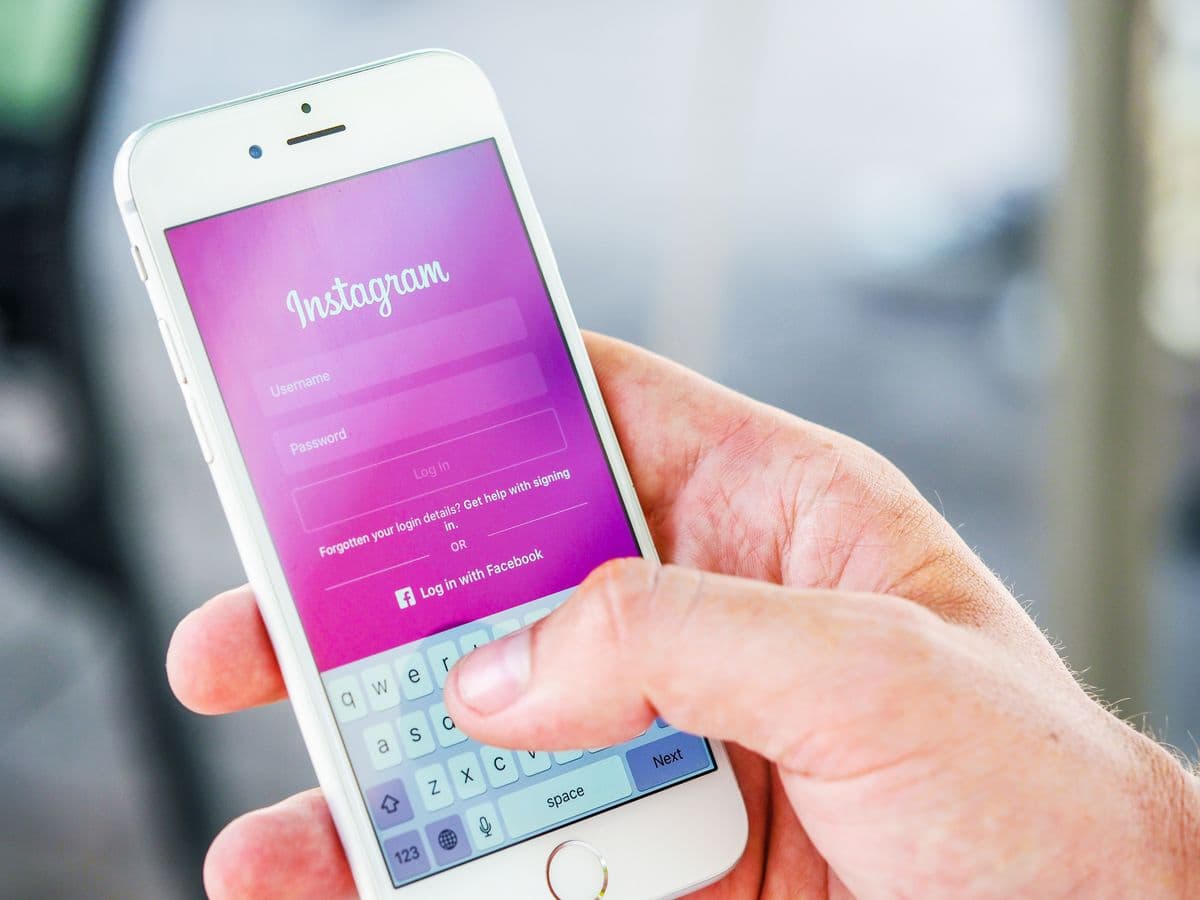
Someone just unboxed your product and is standing in their kitchen holding it — happy, undistracted, phone still in hand. That's the moment most brands waste. They'll spend $2 a click chasing that same person's attention on Instagram next week, when they had it for free five minutes ago.
This guide covers the full playbook: why packaging converts followers better than ads, how to set up a tracked Instagram QR code, what to print next to it, where to place it, how to measure and optimise scan rates, and the mistakes that quietly kill the channel.
Key takeaways
- A customer holding your product is the warmest audience you'll ever pitch a follow to — far warmer than any cold ad impression.
- Use a dynamic QR code, not Instagram's built-in one: you get scan analytics, brand styling, and a re-routable destination.
- The CTA text next to the code matters as much as the code — give people a concrete reason to scan.
- One code per SKU or batch reveals which products drive social growth.
- The "scan for discount → land on code + follow prompt" pattern converts twice from a single scan.
Why is packaging an underrated Instagram growth channel?
Because the person holding your packaging has already bought from you. They've paid, they've chosen you over alternatives, and they're physically interacting with your brand at this exact moment. That is the highest-intent audience you will ever get — and converting even a small percentage into followers builds an owned audience of proven buyers, not passive scrollers.
Compare that to a paid Instagram ad targeting cold audiences. Same goal — get a follow — but the economics are inverted. The ad costs money per impression and reaches people who've never bought. The packaging QR costs nothing per impression and reaches only people who already have. Followers acquired this way also behave differently: they recognise your product, they engage with restock and launch posts, and their comments read like testimonials.
How do you create an Instagram QR code?
Copy your Instagram profile URL (e.g. https://instagram.com/yourbrand), paste it into the Instagram QR code generator, and download the code as a high-resolution PNG or SVG. Scanning it opens your profile directly in the Instagram app on mobile, with the Follow button one tap away.
Download at 2048px for sharp print quality and add it to your packaging design. Keep it visible — don't bury it in the fine print at the bottom next to the barcode. The code should read as an invitation, not regulatory information.
Why not just use Instagram's built-in QR code?
Instagram's native QR code (in the app under "QR code") works, but it's a static dead end for a brand: no scan analytics, no logo or brand-colour customisation, and the destination is locked to your profile forever. A dynamic QR code gives you scan tracking, custom styling, and — crucially — the ability to repoint the code later to a giveaway page, a launch page, or a link-in-bio hub without touching the packaging.
| Feature | Instagram built-in QR | Dynamic QR (QRPulse) |
|---|---|---|
| Opens your profile | Yes | Yes |
| Scan analytics | No | Time, location, device, repeat |
| Brand colours / logo | Limited themes | Full customisation |
| Change destination later | Never | Any time |
| Per-SKU tracking | No | One code per SKU |
| A/B test placements | No | Yes |
What should you print next to the QR code?
A QR code alone won't convert — the copy beside it does the selling. Give customers a concrete, immediate reason to scan, in one short line. Codes with a clear call-to-action get roughly twice the scans of bare codes.
- "Follow us for restock alerts and exclusive offers" — works for products that sell out
- "Tag us in your unboxing for a chance to be featured" — harvests UGC and follows simultaneously
- "Join 12,000 followers for weekly tips and recipes" — social proof plus content promise
- "Scan to unlock your welcome discount" — redirect to a page with the code and a follow prompt
The last one deserves special attention: customers scan expecting a discount, land on a page that shows the code and invites them to follow for more. Two conversions from one scan — a discount redemption that drives a repeat purchase, and a follow that compounds forever. Because the QR is dynamic, you can run this pattern seasonally and swap the offer without reprinting.
Where should the QR code go on packaging?
On the surface the customer naturally faces while using the product: the back label, an insert card, the inside of the lid, or the box flap they open first. Print at least 2×2 cm with strong contrast against the background, and keep a clear quiet zone around the code so cameras lock on instantly.
- Insert cards — highest scan rates; they're handled directly and read like a note, not a label
- Inside the lid / box interior — seen at the peak unboxing moment
- Back label — reliable and permanent, ideal for consumables that are handled repeatedly
- Shipping box exterior — cheapest placement but weakest: it's discarded fast and reads as logistics, not brand
If you use multiple placements, give each its own code. The scan data will tell you which placement earns its print cost — most brands are surprised how decisively insert cards win.
How do you track Instagram QR code performance?
Every scan of a dynamic code logs the timestamp, location, and device in your dashboard, so you can measure exactly how many customers each packaging run converts into profile visits — and compare that across SKUs, placements, and design revisions.
With separate codes per SKU or batch, you can see:
- How many customers actually scan the packaging QR (your true engagement rate)
- Which product drives the most scans — your organic social growth engine
- Whether a packaging redesign improved scan rates (A/B test across print runs)
- What percentage scan within 24 hours of purchase vs weeks later — the shape of your unboxing moment
- Where your buyers are — city-level data that often surprises brands selling through marketplaces
One metric to watch: scans per unit sold. If you ship 1,000 units and see 80 scans, that's an 8% engagement rate from a zero-cost impression. Track it per SKU and per quarter; it becomes a KPI for packaging design the same way CTR is for ads.
Optimising over time
Because the QR is dynamic, you can change the destination without a reprint. That turns your packaging into a programmable channel:
- Launch month: point the code at a new-product teaser page
- Giveaway season: repoint to the competition entry page
- Steady state: back to the profile or a link-in-bio hub
- Slow SKU: repoint that SKU's code to a bundle offer to move inventory
Review the scan data monthly. If a SKU's scan rate drops between print runs, the design changed something — placement, size, contrast. If scans are healthy but follower growth isn't, the profile is the leak: pinned posts, bio, and first-screen grid are what scanners see before deciding.
Beyond packaging: other placements that drive follows
The packaging playbook extends to any physical touchpoint where your audience is already engaged with the brand:
- Café and restaurant tables — "Follow us for this week's specials" on tent cards converts regulars into an owned audience for promotions
- Retail counters and fitting rooms — moments where customers are waiting and phones are out
- Event booths and pop-ups — a follow costs the visitor less commitment than an email signup, and converts better on the spot
- Order inserts for marketplace sellers — Amazon and Etsy sellers use packaging QRs to convert anonymous marketplace buyers into a direct social audience the platform can't take away
- Storefront windows — after-hours foot traffic scans to browse the feed when the shop is closed
Each placement gets its own dynamic code, same as SKUs — after a quarter you'll know exactly which physical touchpoints grow your following and which are decoration. The common thread everywhere: the scan-to-follow conversion is highest where the person has just had a positive brand experience, and lowest where the code is ambient scenery.
Common mistakes that kill packaging QR performance
- Printing a static code — no analytics, no re-routing, and a rebrand or handle change bricks every printed unit
- Placing the code next to the barcode — customers read it as logistics and skip it
- No CTA text — a bare code is a puzzle, not an invitation
- Low contrast on kraft or dark packaging — test with three different phones before the print run
- Linking to the website instead of Instagram — if the CTA says follow, land on the profile; mismatched destinations destroy trust in the code
- One code across all SKUs — you lose the per-product signal that makes the data actionable
The 30-day starter plan
- Week 1: create a dynamic Instagram QR code, add it to an insert card (no packaging artwork change needed), write a benefit-led CTA, and start shipping.
- Week 2–3: watch the dashboard — scans per order shipped is your baseline. Check the profile side: are pinned posts and bio doing their job for a first-time visitor who just bought?
- Week 4: decide from data — if the scan rate justifies it, move the code into the packaging artwork proper, split codes by SKU, and test a discount-unlock destination against the plain profile link.
One month, near-zero cost, and you exit with a measured answer to a question most brands only have opinions about: what your packaging is worth as a social channel.
Frequently asked questions
How do I create a QR code for my Instagram profile?+
Copy your profile URL (instagram.com/yourhandle), paste it into a QR code generator like QRPulse, and download the PNG. Anyone who scans it lands directly on your profile with the Follow button one tap away — no searching, no typos.
Can I track how many people scan my Instagram QR code?+
Yes, if you create it as a dynamic QR code. QRPulse logs every scan with time, location, and device, so you can see exactly how many followers your packaging, flyers, or table cards are driving — and which placement performs best.
What is the difference between Instagram's built-in QR code and a custom one?+
Instagram's built-in code works but is generic: no scan analytics, no logo customization, and the destination is fixed forever. A custom dynamic QR code adds scan tracking, brand colors and logo, and lets you repoint the code later — for example to a campaign landing page.
Where should I put an Instagram QR code on packaging?+
On the surface a customer naturally faces while using the product — the back label, an insert card, or inside the lid. Print at least 2×2 cm with strong contrast, and add a short call to action like "Scan to follow us" — codes with a CTA get roughly twice the scans.
Do Instagram QR codes work with the normal phone camera?+
Yes. iPhone (iOS 11+) and modern Android cameras detect QR codes automatically — the scanner does not need the Instagram app open. The link opens the profile in the app when installed, or in the browser otherwise.
What scan rate should I expect from a packaging QR code?+
Typical packaging QR engagement runs 5–15% of units sold — far higher than cold-distribution print, because the scanner already bought the product. Insert cards usually outperform exterior placements. Track scans per unit sold per SKU to benchmark your own packaging.
Can I change where my packaging QR code points after printing?+
Yes, with a dynamic QR code. Repoint the same printed code to a giveaway page during a competition, a launch page for a new product, then back to your profile — without reprinting anything. This is the main reason to avoid static codes on packaging.
Continue reading
Using WhatsApp QR Codes to Instantly Connect Customers With Support
Print a QR code that opens a pre-filled WhatsApp chat. No typing, no searching — just one scan and the customer is talking to your team.
Trackable QR Codes: The Missing Piece in Your Print Marketing ROI
Flyers, posters, and packaging still drive conversions — but without trackable QR codes you have no idea which campaigns are working. Here's how to fix that.
7 QR Code Best Practices That Double Your Scan Rate
Size, placement, contrast, and a clear call-to-action matter more than you think. Follow these seven rules and watch your scan rate climb.
Enjoying these guides?
Add QRPulse as a preferred source on Google and our guides will be highlighted in your search results and AI Overviews.
Set QRPulse as a preferred sourceOpens Google settings — search for “qrpulse” and tick the checkbox. Takes 10 seconds.